What readers usually run into
- Páginas grises tras escanear
- Texto lavado
- Tonos amarillos
- Luz desigual
Common causes
A scanner may expose for the whole page instead of the text, making old paper or the scanner bed appear gray. Phone scans add uneven light and hand shadows. Photocopies lose contrast with each generation, so a scan of a copy often starts with weak text and heavy background.
Why OCR struggles
OCR software looks for character shapes. When background noise, paper texture, and text share similar contrast, OCR may split letters, miss punctuation, or read table borders as characters. Improving visual contrast first can help, but OCR still needs a separate tool and manual review.
How visual cleanup helps
A useful cleanup reduces background haze, darkens faded strokes, and keeps the layout stable. The goal is not to make the page look new; it is to make real content easier to read while leaving meaningful marks alone.
When not to over-correct
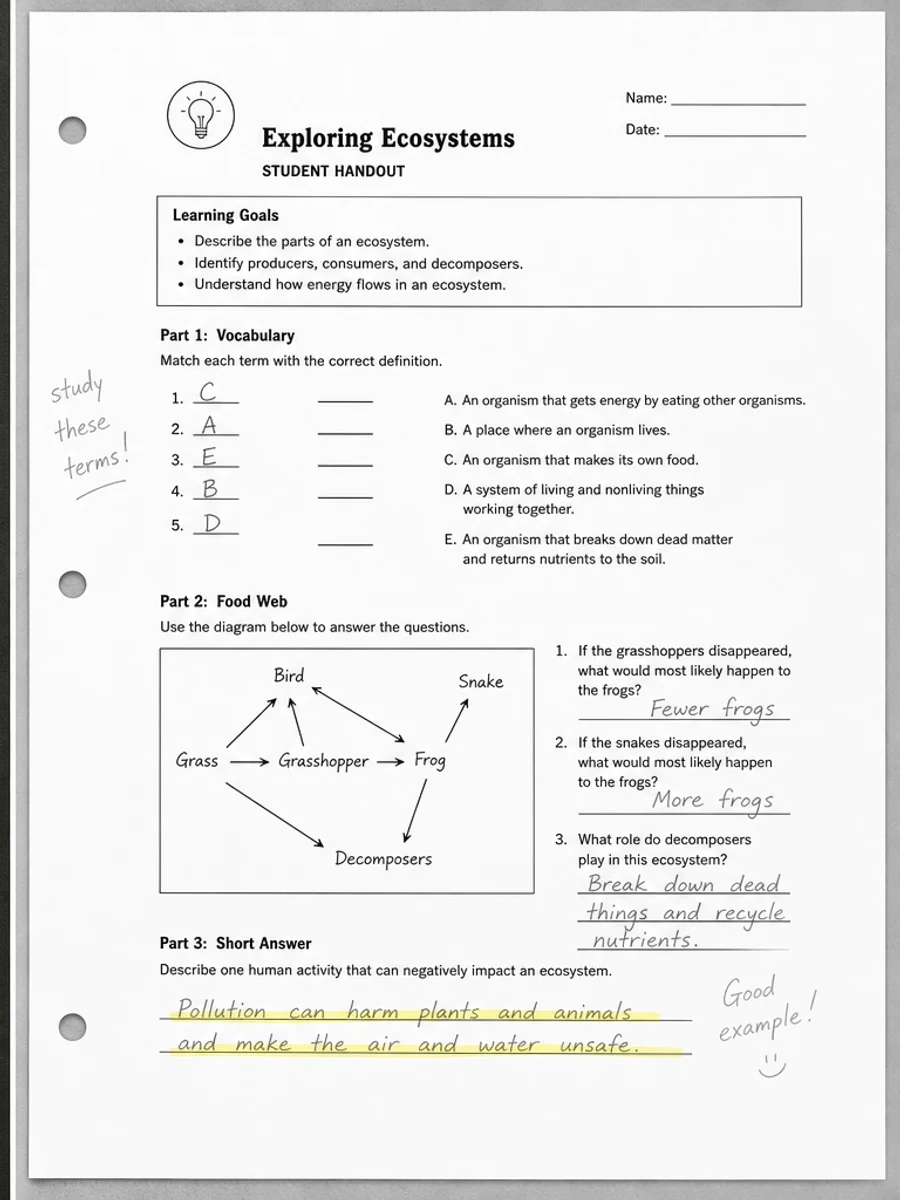
Old archive scans, signed forms, and marked-up documents may contain faint context that matters. If the scan includes annotations, stamps, or pale diagrams, avoid prompts that ask for a perfectly white page.
How to diagnose the visible problem
Look at where the gray or washed-out effect appears. If the whole page is gray, scanner exposure or paper tone is likely involved. If one edge is darker, the source may be a phone shadow or book spine shadow. If text looks thin everywhere, the original copy may already be weak. Naming the pattern helps the prompt target the right cleanup instead of applying a generic brightness change.
Why the same scan can fail in different ways
A page can look washed out to a human but still have enough contrast for OCR, or it can look acceptable on screen but print poorly because gray background wastes ink. The user problem matters. For reading, darker text and calmer background are usually enough. For OCR preparation, small characters and punctuation need special attention. For printing, large gray areas and dark borders may matter more.
How to avoid misleading cleanup
Do not ask the tool to make an old scan look perfect. A realistic cleanup keeps the document recognizable while reducing distractions. If stains, stamps, folds, or paper tone are part of the document context, preserve them or reduce them lightly. A visually cleaner PDF is useful only if it remains faithful enough for the reader to trust what they are seeing.
What users usually mean by washed out
When people describe a scan as washed out, they may mean several different things: the text is too pale, the paper is too gray, the page is too bright, or the contrast between letters and background is weak. Those are not identical problems. A good prompt explains the symptom in plain language and adds the desired outcome: easier reading, preserved layout, and no content rewriting.
Choosing a cleanup direction
If text is pale, ask for stronger text contrast. If the background is gray, ask to reduce paper haze. If lighting is uneven, ask to balance shadows while preserving marks. If the page is compressed, ask to reduce visible noise but keep small details. This diagnosis-first approach creates a better page than a generic "enhance scan" instruction, because each visual defect needs a slightly different balance.
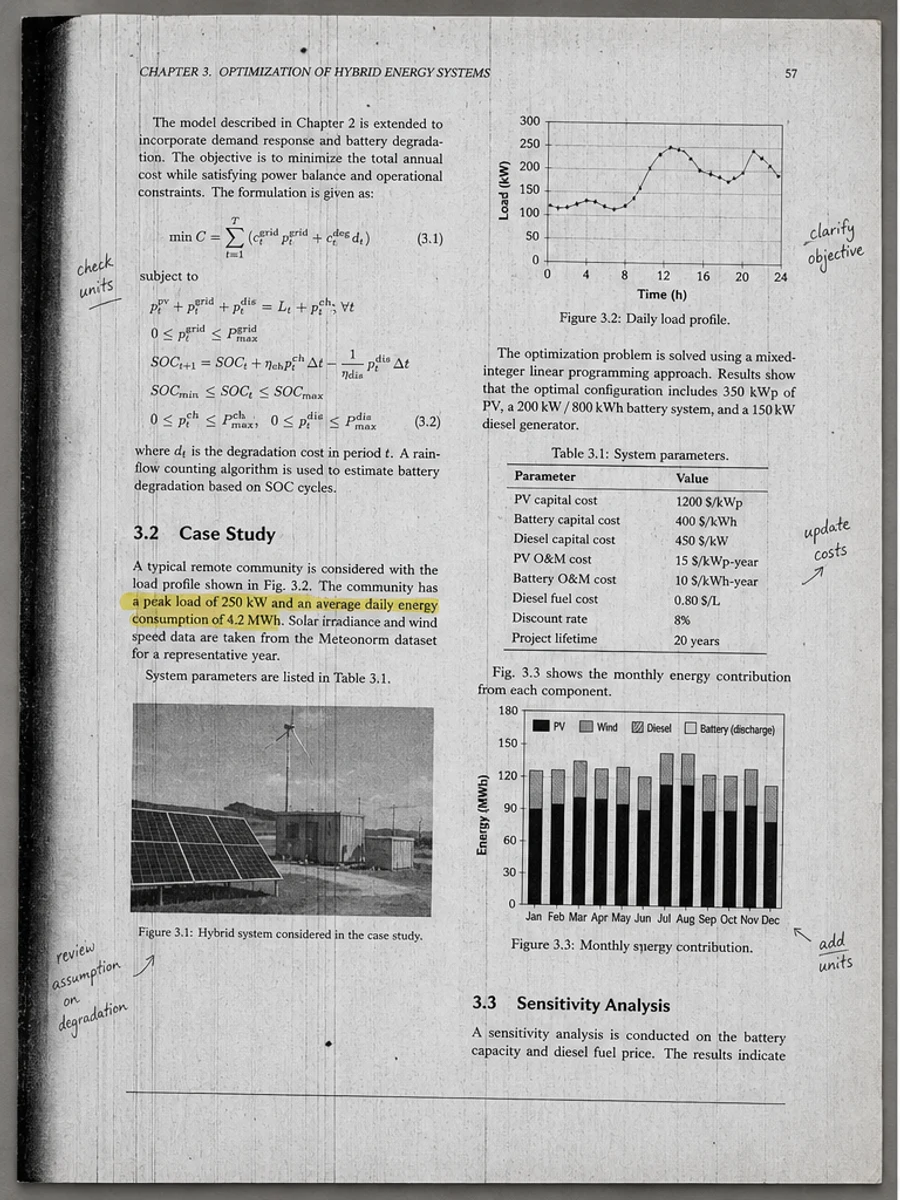
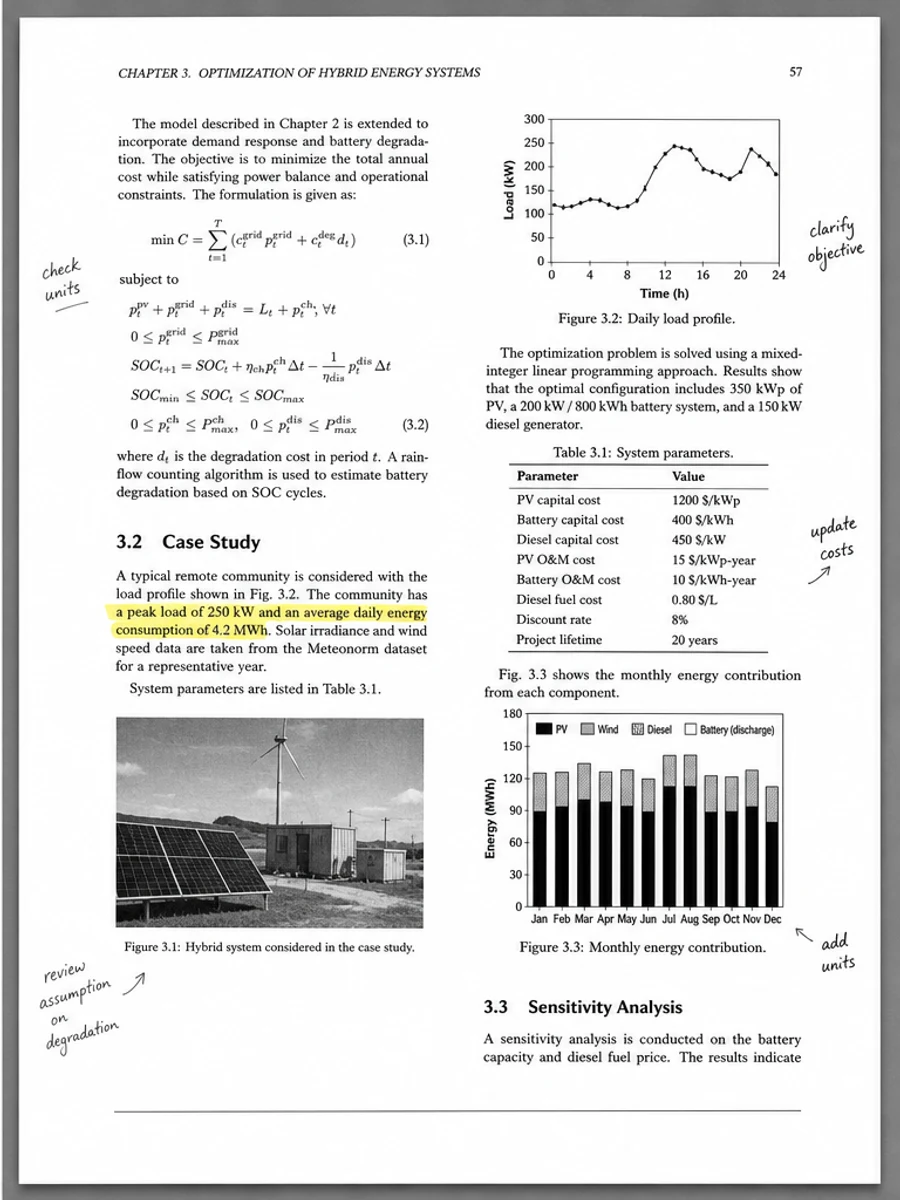
Inline before and after example: Eliminar el fondo gris de un PDF escaneado
Step-by-step tutorial
- Abre el PDF escaneado.
- Elige primero una página donde se vea claramente el problema: PDF escaneado gris o lavado.
- Usa un prompt conservador de legibilidad.
- Compara antes y después.
- Revisa texto, números, fechas y tablas importantes.
- Exporta cuando el resultado sea aceptable.
Prompts you can paste
01Limpia esta página de PDF escaneado y corrige PDF escaneado gris o lavado; reduce fondo gris, sombras, manchas y ruido manteniendo el diseño original.
02Mejora suavemente la legibilidad: oscurece texto tenue, limpia el fondo y conserva escritura manual, sellos, tablas y marcas.
03Usa un tratamiento conservador, sin crear capa OCR ni cambiar la estructura de la página.
When RedesignPDF is a good fit
- Páginas escaneadas con texto visible
- Documentos planos o basados en imagen
- Archivos donde el objetivo es mejorar la legibilidad visual
When it is not the right tool
- Edición precisa de capas de texto PDF
- Restauración legal certificada
- Extracción automática de datos sin revisión
Errores comunes
- Blanquear demasiado la página hasta perder líneas finas.
- Confundir limpieza visual con OCR o conversión de texto.
- Exportar sin revisar números, fechas, tablas y escritura manual.
Related reading
FAQ
¿RedesignPDF puede corregir PDF escaneado gris o lavado?
Puede mejorar la imagen visible de la página escaneada. Revisa texto, fechas, importes y tablas antes de exportar.
¿El PDF exportado tendrá texto seleccionable?
La exportación puede ser basada en imagen. Usa OCR aparte si necesitas texto buscable o seleccionable.
¿Sirve para documentos oficiales?
Úsalo con cautela. RedesignPDF mejora legibilidad, no es restauración certificada de documentos.
Conclusion
If your goal is a clearer scanned PDF while keeping the original layout, start with a conservative prompt, process one page, and review text, tables, numbers, handwriting, and stamps before exporting. If you need editable text, PDF-to-Word conversion, form filling, or precise text-layer editing, use OCR, a PDF editor, or a better rescan instead.
Upload scanned PDF