What readers usually run into
- Cópias claras
- Recibos apagados
- Escrita a lápis
- Texto datilografado antigo
Why faded text needs careful handling
Faded scans often contain weak strokes, pencil notes, thermal receipt text, or typewriter ink that is close to the paper color. A heavy contrast boost can help the main text but damage stamps, photos, checkboxes, or small annotations if the prompt is too broad.
Prompt for contrast, not rewriting
Ask for darker visible text and cleaner background while keeping wording, spacing, and layout unchanged. The product should not invent missing characters or rebuild a text layer. Treat the result as a visual restoration that must be checked against the source.
Documents where it helps
This is useful for old letters, pale photocopies, pencil-filled forms, receipts, worksheets, and scanned pages where the content is visible but tiring to read. It is not suitable for exact transcription, legal verification, or converting a scan into Word.
Review small details
After generation, zoom into names, numbers, totals, signatures, and handwriting. If some text becomes too bold or background speckles turn into dots, ask for a lighter cleanup and preserve original marks.
Before and after expectations
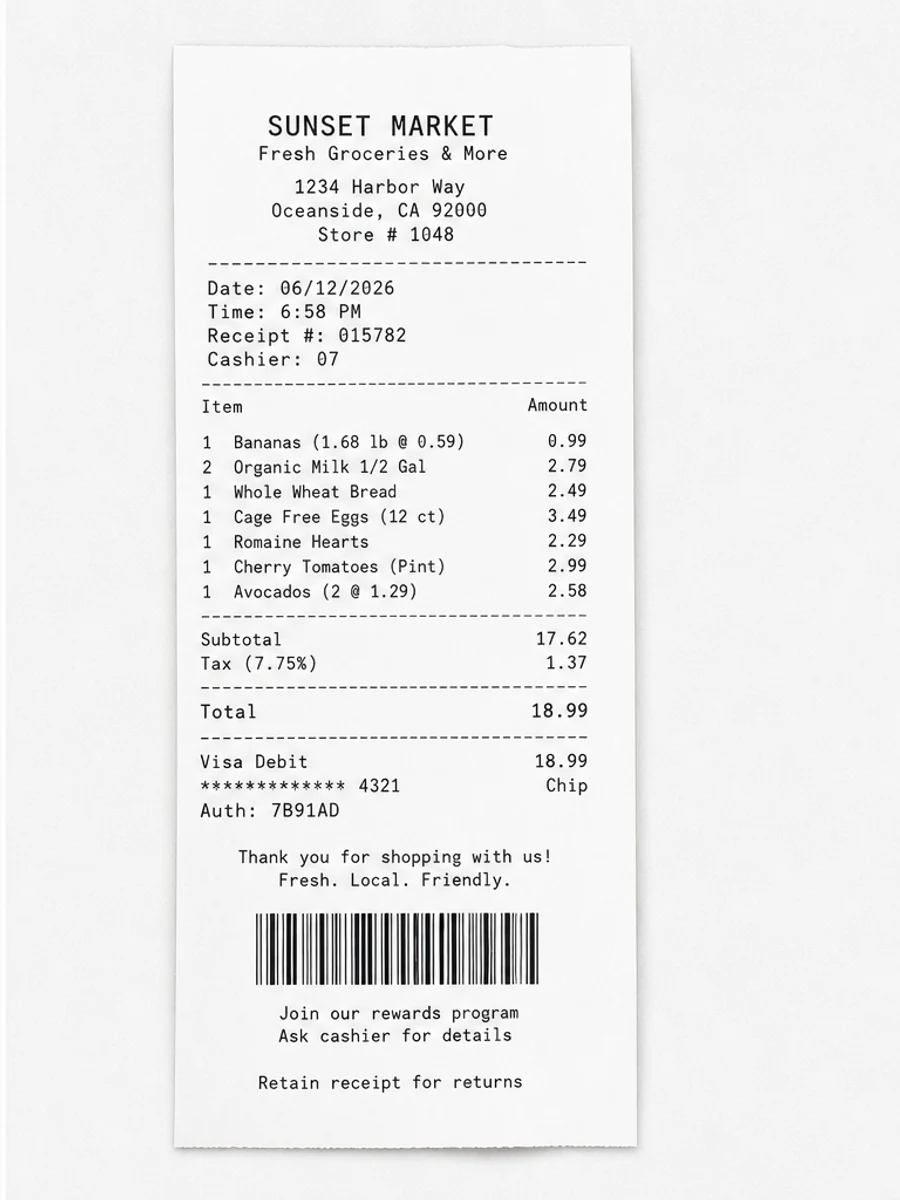
A successful darkening pass should make weak strokes easier to follow while leaving the document structure familiar. It should not change line breaks, invent characters, or make every mark equally dark. For receipts and forms, the after image should make totals and labels easier to inspect. For old typewritten pages, it should strengthen letters without turning paper texture into heavy speckles.
How to write a safer darkening prompt
The safest prompt names the text problem and the preservation rules together. Say that the text is faded, then ask to darken it while preserving handwriting, stamps, tables, page spacing, and margins. If the scan includes pencil notes or light signatures, mention them explicitly. This reduces the chance that the cleanup treats pale but meaningful marks as background noise.
When darkening is not enough
Some scans are not faded; they are blurred, compressed, or photographed out of focus. Darkening those pages can make them harsher without making characters more accurate. If the after image looks bolder but still unreadable, stop and check whether the original scan contains enough detail. A rescan with better focus may be the only honest fix.
How to handle mixed faded content
Many pages contain both dark and faded elements. A receipt may have a bold store logo but weak line items; an old letter may have readable headings but pale body text; a form may have printed labels and pencil handwriting. Tell the prompt which part needs darkening and which parts must be preserved. After generation, compare the weakest content first, because that is where visual cleanup is most likely to create false confidence.
Darkening without changing meaning
Darkening should make existing strokes easier to see, not decide what a faint character should be. If a letter or digit is ambiguous in the original, the cleaned version should be treated as an aid, not an authority. For financial, academic, or legal documents, keep the original scan beside the enhanced copy. The goal is better readability for human review, not automatic correction of uncertain text.
Related example to compare
If you are unsure how far to push the effect, compare your page with a faded-scan before and after example. The after page should feel easier to read, but still preserve the character of the source document. That comparison helps keep the prompt from drifting into unrealistic restoration or content rewriting.
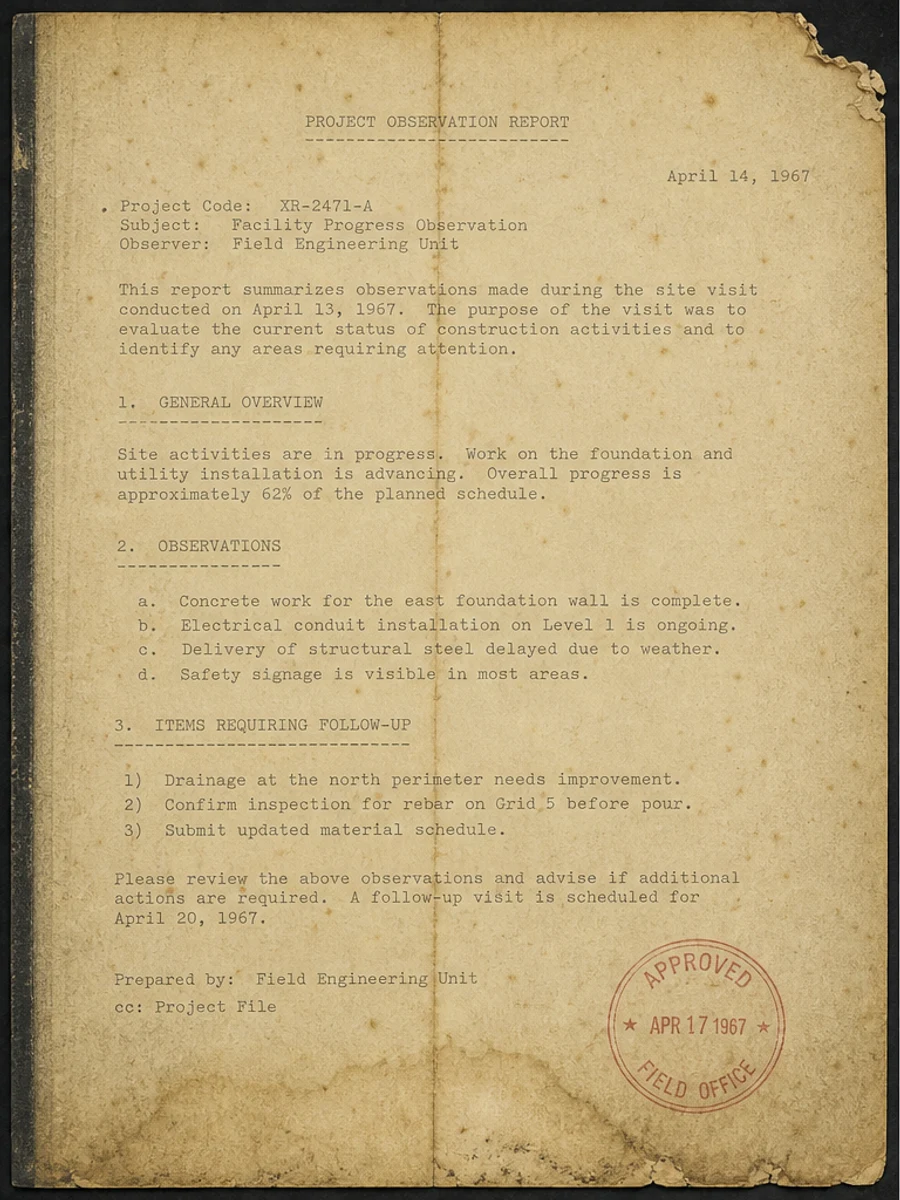
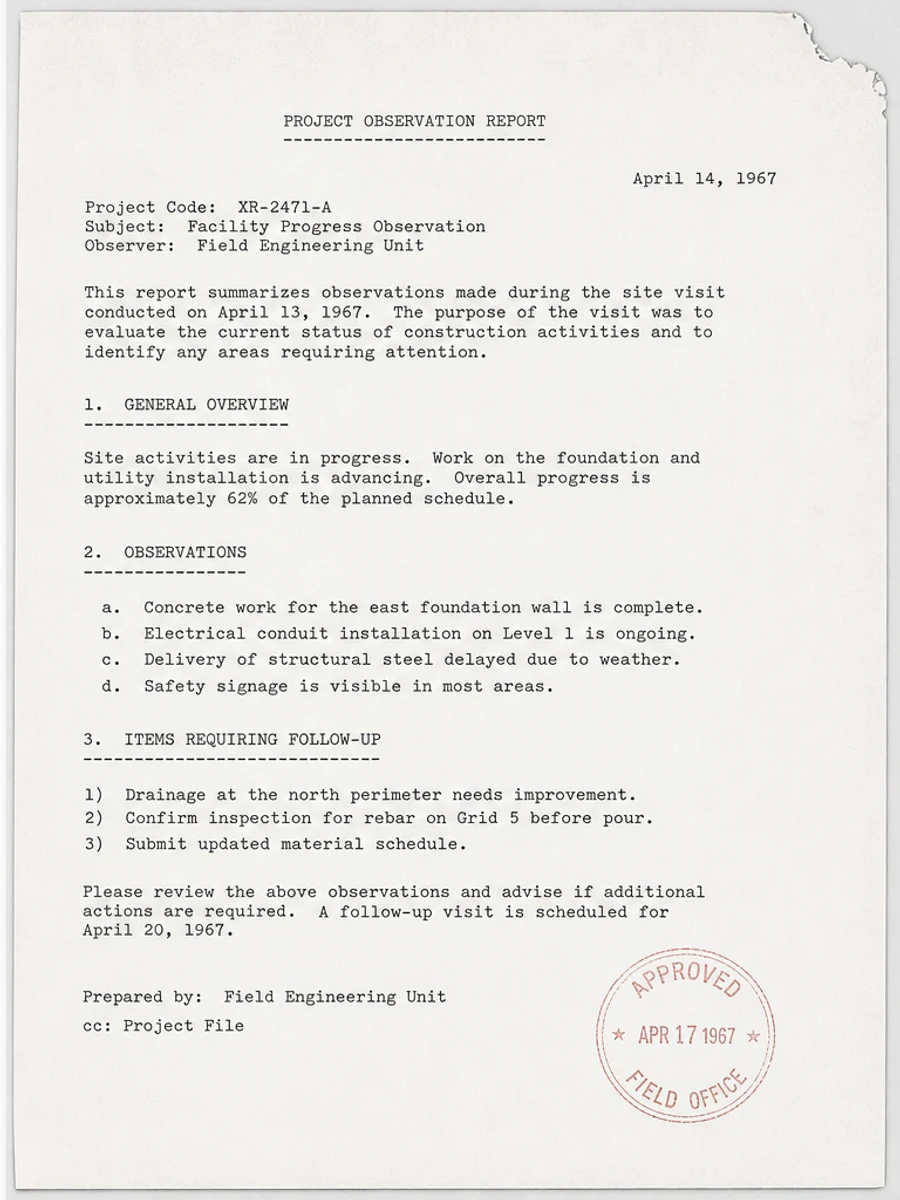
Inline before and after example: Corrigir uma página de PDF digitalizado apagada
Step-by-step tutorial
- Abra o PDF digitalizado.
- Escolha primeiro uma página em que “texto apagado em PDF digitalizado” apareça claramente.
- Use um prompt conservador de legibilidade.
- Compare antes e depois.
- Revise textos, números, datas e tabelas importantes.
- Exporte quando o resultado for aceitável.
Prompts you can paste
01Limpe esta página de PDF digitalizado e corrija texto apagado em PDF digitalizado; reduza fundo cinza, sombras, manchas e ruído mantendo o layout original.
02Melhore levemente a legibilidade: escureça texto apagado, limpe o fundo e preserve escrita manual, carimbos, tabelas e marcas.
03Use tratamento conservador, sem criar camada OCR e sem alterar a estrutura da página.
When RedesignPDF is a good fit
- Páginas PDF digitalizadas com texto visível
- Documentos achatados ou baseados em imagem
- Arquivos cujo objetivo é legibilidade visual
When it is not the right tool
- Edição precisa da camada de texto do PDF
- Restauração legal certificada
- Extração automática de dados sem revisão
Erros comuns
- Clarear demais a página até perder linhas finas.
- Confundir limpeza visual com OCR ou conversão de texto.
- Exportar sem revisar números, datas, tabelas e escrita manual.
Related reading
FAQ
O RedesignPDF pode corrigir texto apagado em PDF digitalizado?
Pode melhorar a imagem visível da página digitalizada. Revise texto, datas, valores e tabelas antes de exportar.
O PDF exportado terá texto selecionável?
A exportação pode ser baseada em imagem. Use OCR separadamente se precisar de texto pesquisável ou selecionável.
Serve para documentos oficiais?
Use com cautela. RedesignPDF melhora legibilidade, não é restauração certificada de documentos.
Conclusion
If your goal is a clearer scanned PDF while keeping the original layout, start with a conservative prompt, process one page, and review text, tables, numbers, handwriting, and stamps before exporting. If you need editable text, PDF-to-Word conversion, form filling, or precise text-layer editing, use OCR, a PDF editor, or a better rescan instead.
Upload scanned PDF